Export
Your data, out in the formats you use.
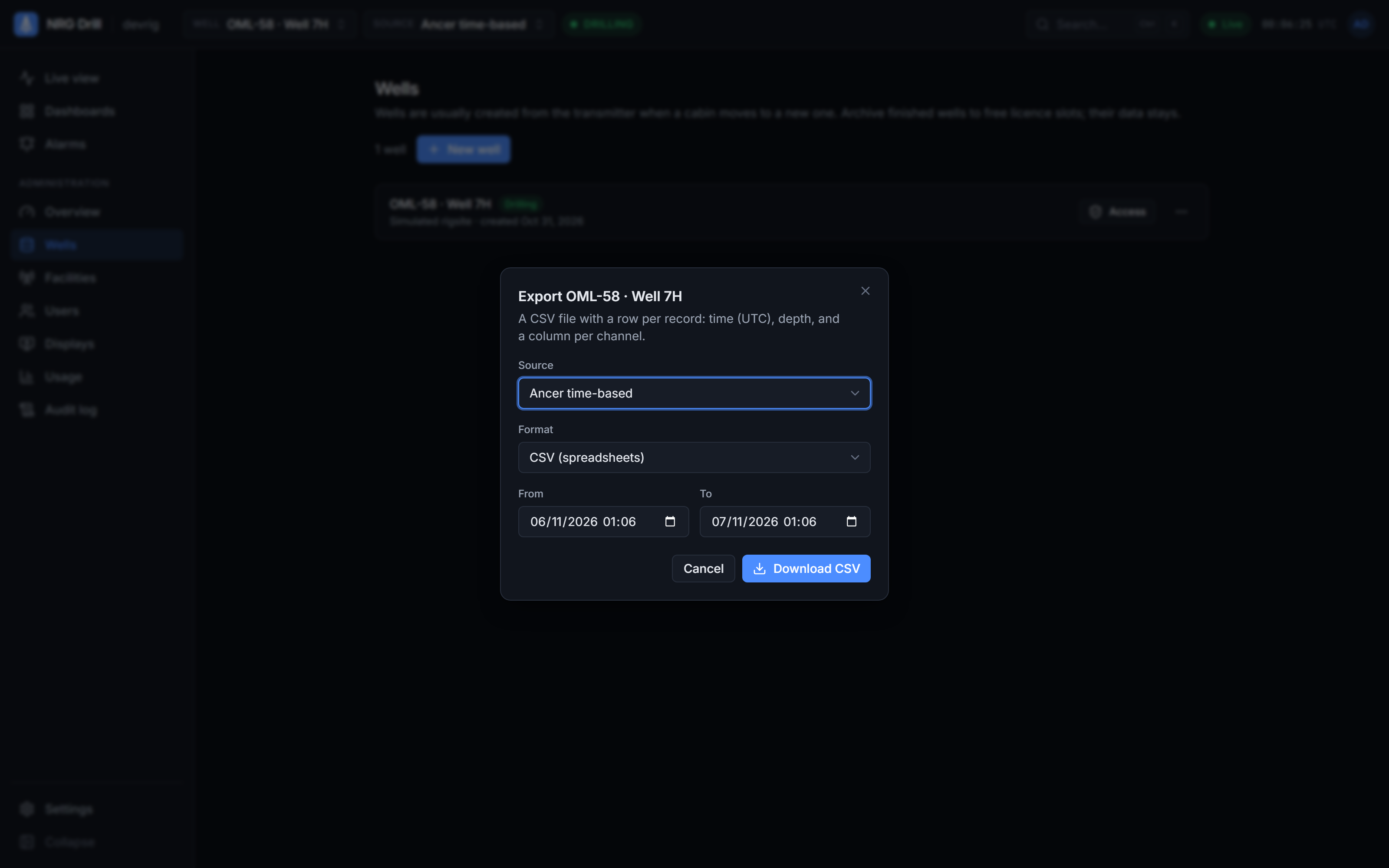
Take any range of a well's data into Excel, a petrophysics package or your own archive. Export is a licence feature, and every export is recorded in your organisation's audit log.
- Formats
- CSV, LAS 2.0 (time-indexed)
- Range
- Up to 31 days per export
- Sources
- Any source on the well
- Audit
- Every export logged
CSV for spreadsheets
One row per reading and one column per channel, with UTC timestamps. It opens straight into Excel or any analysis tool.
LAS 2.0 for log software
Time-indexed LAS 2.0 with a TIME curve in Unix seconds (UTC), depth, and a curve for every channel, ready for petrophysics and well-log tools.
Any source, any range
Choose the source (Ancer, a WITS record or a custom SQL stream) and a range of up to 31 days. For longer periods, export a month at a time.
On the record
Exports appear in your organisation's audit log, so you know who took what out, and when.
Works with
Live charts
A top-down drilling chart in the browser — up to 4 tracks × 6 channels, Linear, Log10 and split scales, 48 hours of scroll-back and a shared time cursor.
Learn moreData sources
The NRG-Drill Transmitter reads Ancer rig databases, WITS Level 0 (TCP or serial) and custom SQL, buffers through outages and sends compressed batches over outbound HTTPS.
Learn moreDashboards
A split-layout dashboard designer with 11 drilling widgets, templates, organisation and personal dashboards, undo/redo, JSON import/export and a kiosk view.
Learn moreSee your own rig, live, this week.
Book a 30-minute demo. We’ll show NRG-Drill on a live well and talk through connecting your first cabin.