Wall displays
Put the rig on the wall. It doesn't use a seat.
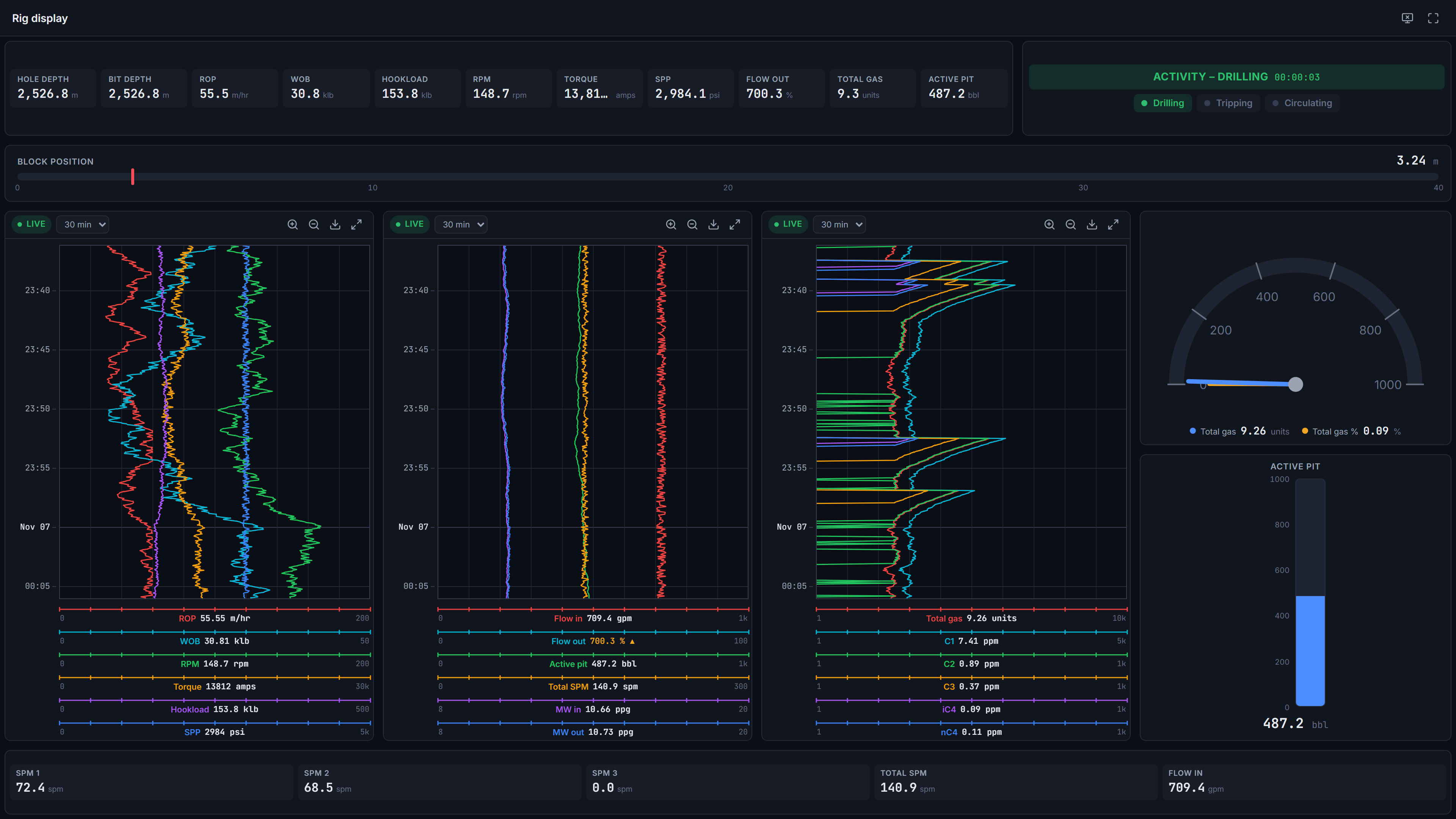
Turn any screen in the operations room into a live rig display. Pair it with a one-time code and it opens straight into kiosk view, without anyone's account signed in on a shared computer.
- Pairing
- One-time code
- Access
- Read-only, one well
- Shows
- Organisation dashboards, kiosk view
- Alarms
- Hears and can acknowledge organisation alarms
- Seats
- Not counted
Paired in seconds
Open the pairing page on the screen and it shows a one-time code. Enter the code in Admin → Displays, choose the well and the dashboard, and the screen goes live.
Read-only by design
A display has its own account, limited to one well. It can read data and acknowledge alarms, but it can't change dashboards, wells or settings, so it can't stand in for a user. That's why displays don't count towards your user limit.
Built for a room
Kiosk view hides the app's menus and shows an organisation dashboard full screen. Displays hear organisation alarms, and can have quiet hours of their own, for example overnight in an empty office.
Under your control
Rename a display, move it to another well or revoke it at any time from Admin → Displays. A revoked display is signed out at once.
Works with
Dashboards
A split-layout dashboard designer with 11 drilling widgets, templates, organisation and personal dashboards, undo/redo, JSON import/export and a kiosk view.
Learn moreAlarms
Server-side drilling alarms — limits, rises-by and falls-by for kicks and losses, and no data — acknowledged once for everyone, with shelving, quiet hours and an alarm log.
Learn moreLive charts
A top-down drilling chart in the browser — up to 4 tracks × 6 channels, Linear, Log10 and split scales, 48 hours of scroll-back and a shared time cursor.
Learn moreSee your own rig, live, this week.
Book a 30-minute demo. We’ll show NRG-Drill on a live well and talk through connecting your first cabin.